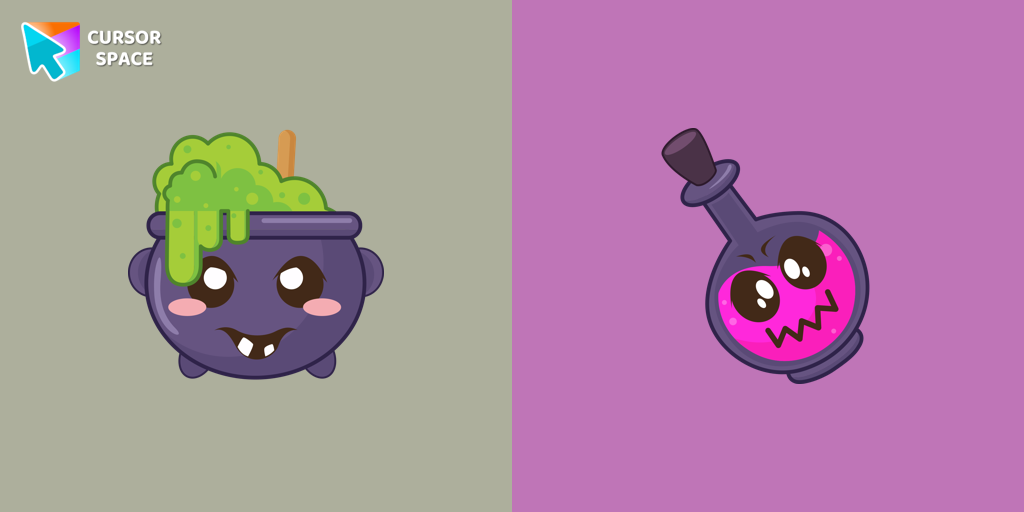
Potion Cauldron And Poison Cursor
Try this cursor
Preview Potion Cauldron And Poison Cursor in this sandbox. Hover and click - no extension needed for a test on this page. Download PNG, JPG, or CUR
Move here to see the default cursor
 DefaultMove around the board
 PointerHover a button or link
Description
Embrace the magic of Halloween with our exclusive Halloween custom cursors collection for Chrome, where every click brings a touch of spooky fun to your screen. Among the many themed options, one standout is our Potion Cauldron and Poison cursor. This unique design transforms your pointer into a whimsical vial of potion, perfectly capturing the mischievous spirit of the season. The funny Potion Cauldron pointer not only looks enchanting but also adds a playful twist to your everyday browsing.
Our collection caters to every user—from those in search of a reliable custom cursor for chrome to enthusiasts eager for the latest chrome custom cursor trends. With options like the premium custom cursor for chrome™ and the budget-friendly custom cursor for chrome free version available through the chrome web store custom cursor, there’s something for everyone. The intuitive custom cursor chrome extension makes installation a breeze, allowing you to switch to a cursor custom for chrome with just a few clicks.
Worried about how to get a custom cursor on Chrome? Our detailed guide on the custom-cursor for chrome package explains every step, ensuring a smooth upgrade to your personalized interface. For those who prefer an effortless approach, our custom cursor for chrome no download option lets you enjoy the magic instantly—even in environments where extensions are blocked, thanks to our custom cursor for chrome unblocked designs.
Upgrade your digital experience this Halloween with our safe and user-friendly solutions. Whether you ask, “how to use custom cursor for chrome?” or wonder if is custom cursor for chrome safe, our products have been rigorously tested to meet high-security standards. Transform your browser today with a Potion Cauldron and Poison pointer and let your cursor reflect the enchantment of the season.
What's included in the package
- Default Cursor
- Pointer (Hand)
How to install a custom cursor pack Potion Cauldron And Poison Cursor
Install the Cursor Space extension for Chrome or Cursor Space for Edge in your browser.
On this page, click "Add this cursor pack to the extension".
Open the extension and go to the Packs tab.
Find the custom cursor pack "Potion Cauldron and Poison cursor" and click it.
Enjoy!
Ready to install?
Get this cursor pack and thousands of others by installing our extension. It's fast and free!
Install for ChromeAbout this cursor pack
Potion Cauldron And Poison Cursor is a themed cursor pack you can add to your browser to personalize your pointer across common cursor states (default and pointer). Use it for everyday browsing, streaming, studying, or gaming-anywhere you want your cursor to match your vibe.
Instant preview
See how the cursors look before installing.
Easy install
Add the pack to the extension in a few clicks.
Works in your browser
Designed for Chrome and Edge via the extension.
FAQ
Quick answers to common questions about cursor packs, collections, and installation.
Do I need an extension?
Yes. To apply cursor packs in Chrome or Edge, install the Cursor Space extension and add this pack to it.
Which browsers are supported?
Cursor packs are designed for Chromium browsers like Chrome and Microsoft Edge.
How do I switch back to the default cursor?
Open the extension, choose another pack or disable the current one to return to your default cursor.
Can I try the cursor before installing?
Yes. Use the Try this cursor section on this page to preview default, pointer, and other states. Add the pack to the extension to use it across the web.
Can I download the cursor files?
Yes. Open Download files on this page for Arrow and Pointer PNG, JPG, and CUR (hotspot included). You can also copy CSS, Roblox, Unity, and Godot snippets.
Popular cursors today
Most installed packs in Halloween - add them to Chrome or Edge in one click.
- Top 1
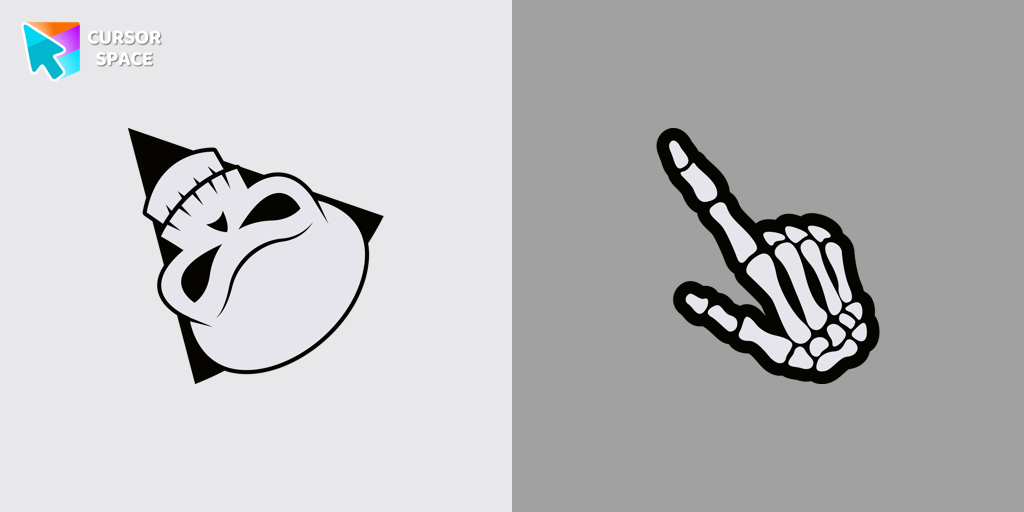 Angry Skull cursorAngry Skull cursor for a mouse is a good Halloween art to decorate your browsing.
 - Top 2
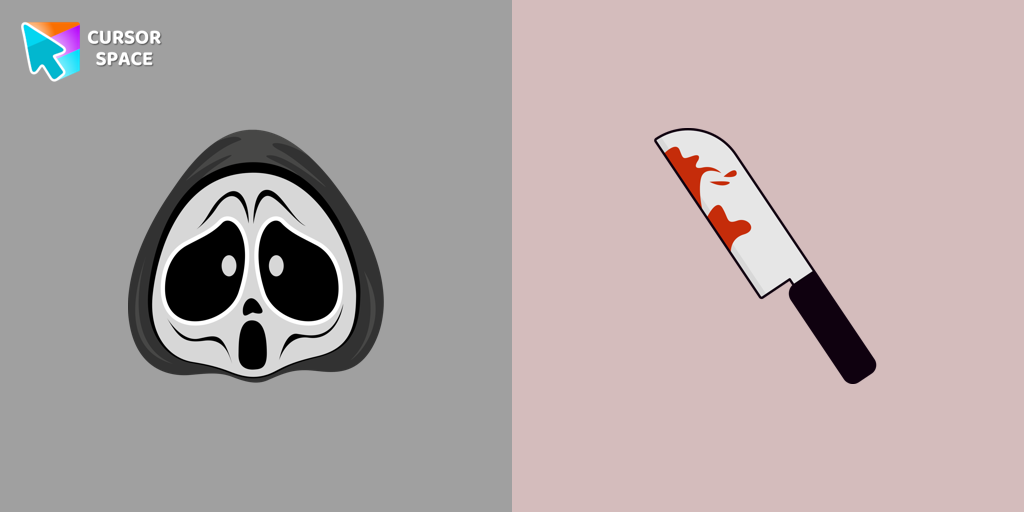 Ghostface cursorGhostface cursor for mouse and custom hover pointer with a knife in our Halloween holiday collection of custom cursors.
 - Top 3
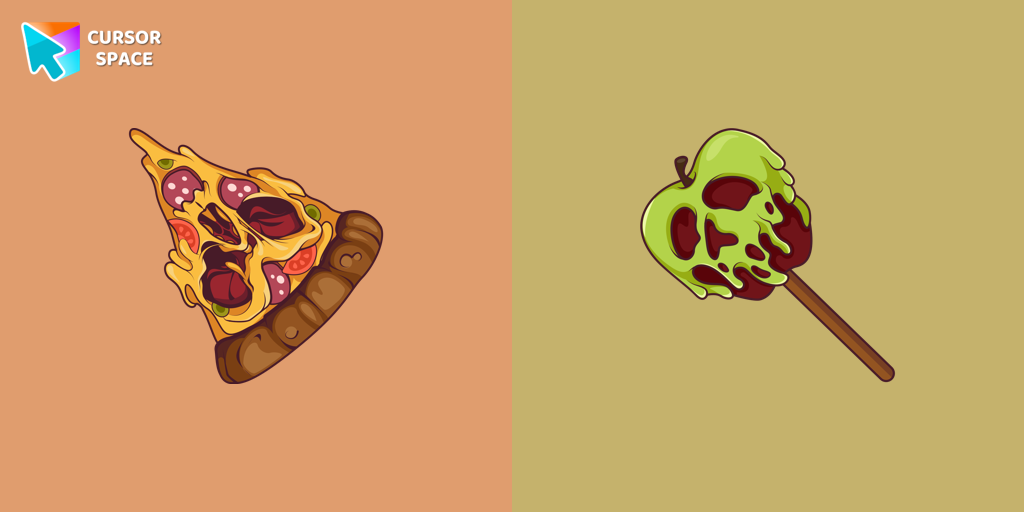 Pizza Monster cursorDon't forget to decorate your interface with a Pizza Monster custom cursor from our Halloween custom cursors collection.
 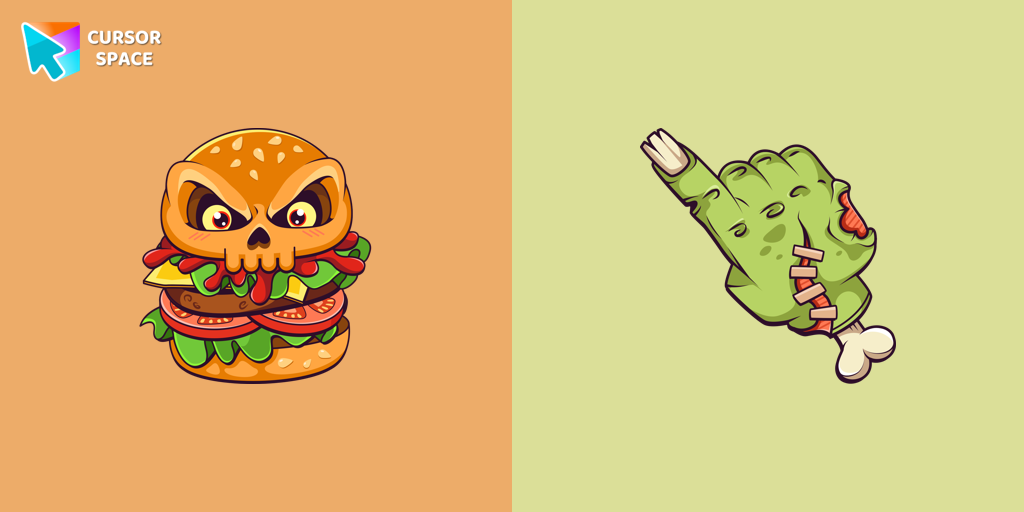 Burger Skull and Zombie Hand cursorChilling blood illustrated Burger skull custom cursor and zombie hand hover for the mouse.
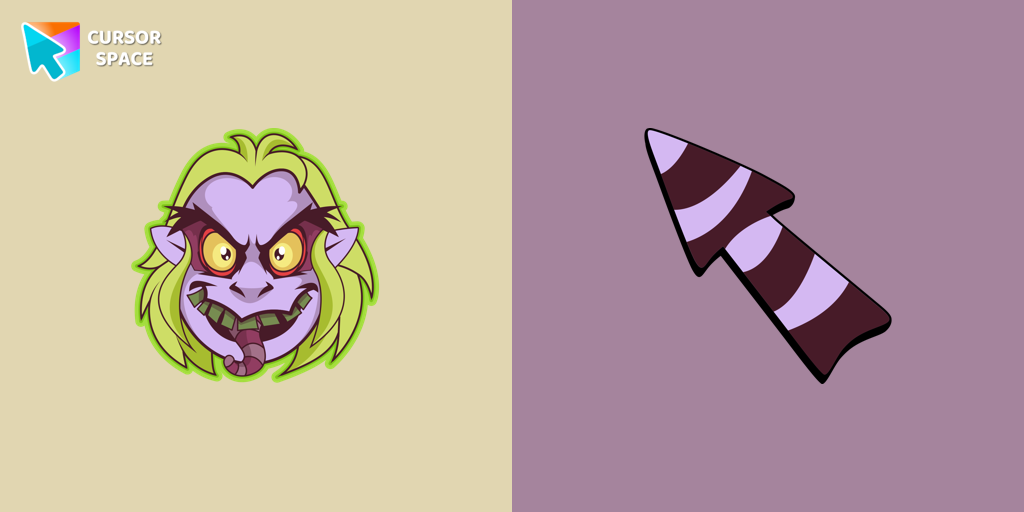 Beetlejuice cursorWelcome to our Halloween custom cursors collection for Chrome where you will find a custom cursor with Beetlejuice.
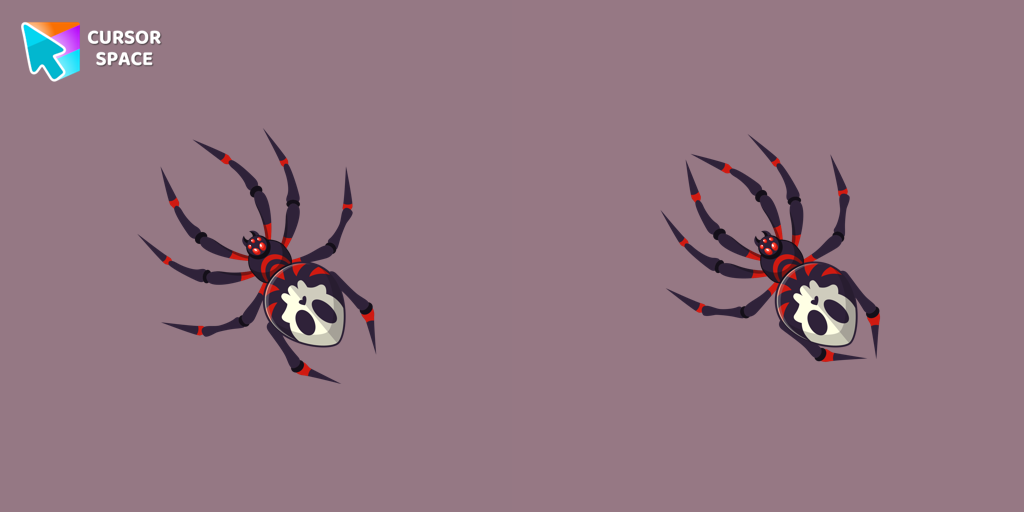 Skull Spider cursorThe Skull Spider custom cursor for the mouse will look pretty spooky on your screen.
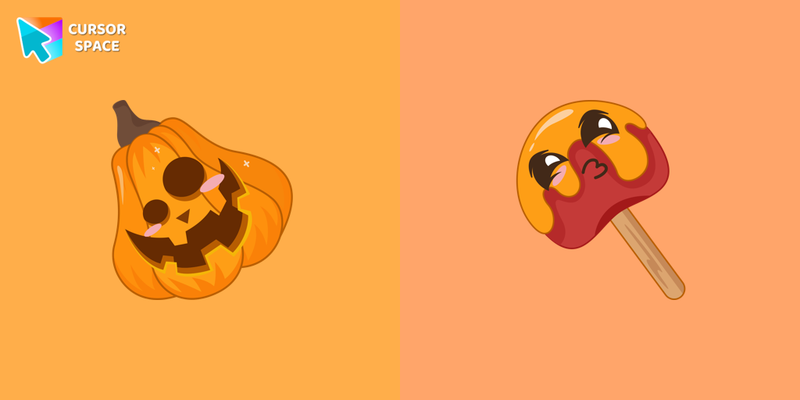 Pumpkin with Candy cursorCustom cursor with Pumpkin with Candy that was created especially for the Halloween event.
 Boogeyman cursorBoogeyman custom cursor for mouse and pointer is perfect for getting into the holiday spirit on Halloween.
 Pirate Skull cursorPirate Skull custom cursors are the perfect option for our Halloween custom cursors collection for Chrome.
 Halloween Pumpkin cursorOur Pumpkin custom cursor was created especially for the chilling holiday season for our Halloween custom cursors collection for Chrome.
 Freddy Krueger cursorFreddy Krueger is a fictional character in the A Nightmare on Elm Street film series. Freddy Krueger is perfect for our Halloween custom cursors collection for Chrome.
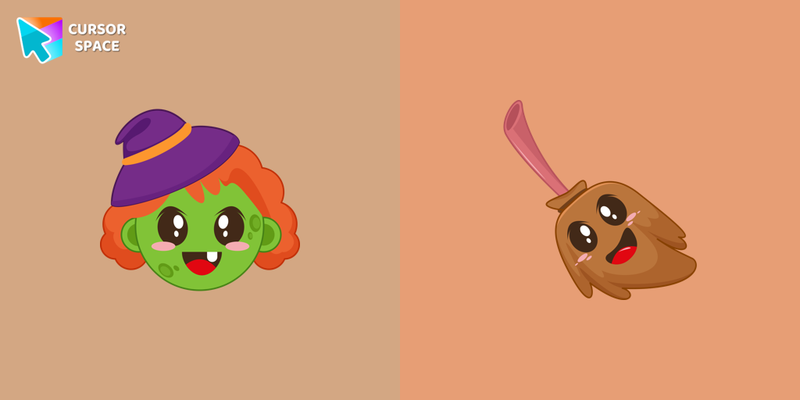 Witch with Broom cursorCustom cursor with Witch with Broom will change your usual cursor.
Collection hits
Installation leaders from "Halloween": free packs, neon/anime/pixel art, quick add to Chrome and Edge.
- Top 1Angry Skull cursorAngry Skull cursor for a mouse is a good Halloween art to decorate your browsing.
- Top 2Ghostface cursorGhostface cursor for mouse and custom hover pointer with a knife in our Halloween holiday collection of custom cursors.
- Top 3Pizza Monster cursorDon't forget to decorate your interface with a Pizza Monster custom cursor from our Halloween custom cursors collection.
- Burger Skull and Zombie Hand cursorChilling blood illustrated Burger skull custom cursor and zombie hand hover for the mouse.
- Beetlejuice cursorWelcome to our Halloween custom cursors collection for Chrome where you will find a custom cursor with Beetlejuice.
- Skull Spider cursorThe Skull Spider custom cursor for the mouse will look pretty spooky on your screen.
- Pumpkin with Candy cursorCustom cursor with Pumpkin with Candy that was created especially for the Halloween event.
- Boogeyman cursorBoogeyman custom cursor for mouse and pointer is perfect for getting into the holiday spirit on Halloween.
- Pirate Skull cursorPirate Skull custom cursors are the perfect option for our Halloween custom cursors collection for Chrome.
- Halloween Pumpkin cursorOur Pumpkin custom cursor was created especially for the chilling holiday season for our Halloween custom cursors collection for Chrome.
- Freddy Krueger cursorFreddy Krueger is a fictional character in the A Nightmare on Elm Street film series. Freddy Krueger is perfect for our Halloween custom cursors collection for Chrome.
- Witch with Broom cursorCustom cursor with Witch with Broom will change your usual cursor.
Install Cursor Space - A Collection of Custom Cursors for Chrome & Edge
Add packs instantly and unlock access to thousands of cursors: neon, anime, pixel-art, and more. Fast, safe, and free.
- Free cursor packs
- HD/HiDPI & animated icons
- Quick browser installation
Cursor Space is an extension for changing your mouse cursor in Chrome and Edge browsers: themed collections, HiDPI icons, neon, animated, and pixel cursors, with quick installation.